Skip to content
AppStaged

APP STORE & GOOGLE PLAY SCREENSHOT MAKER

Built for the part
just before you launch.

App Store screenshots.
A great first impression.

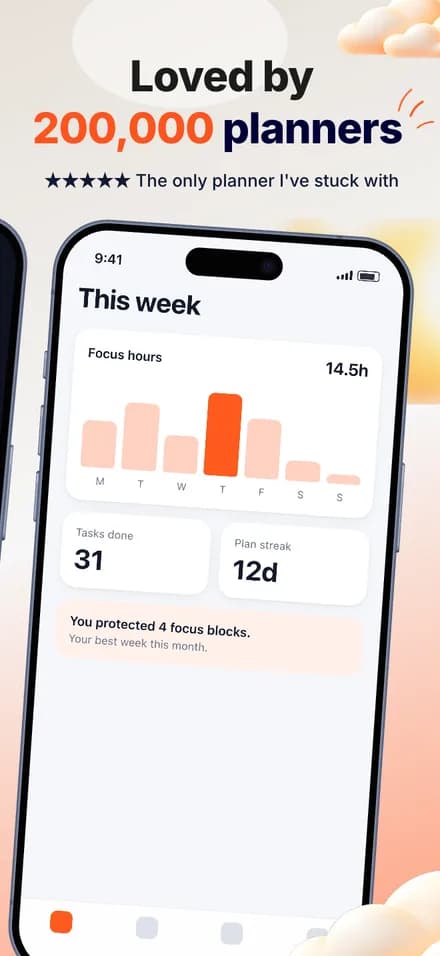
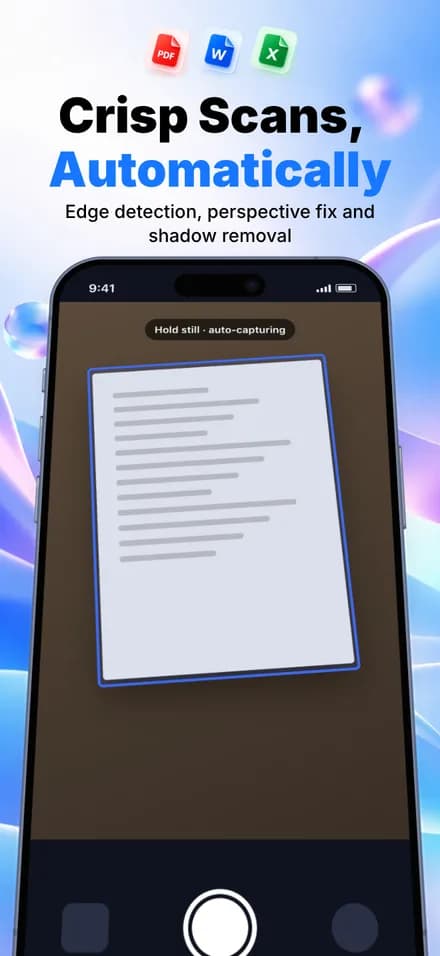
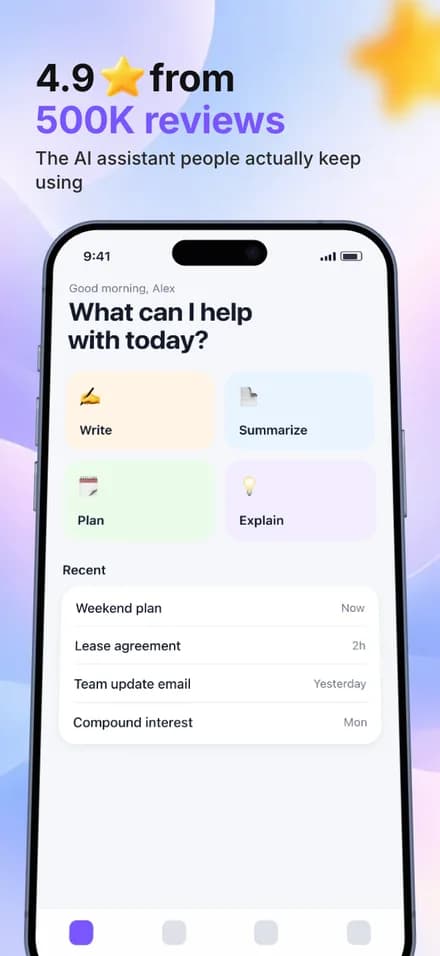
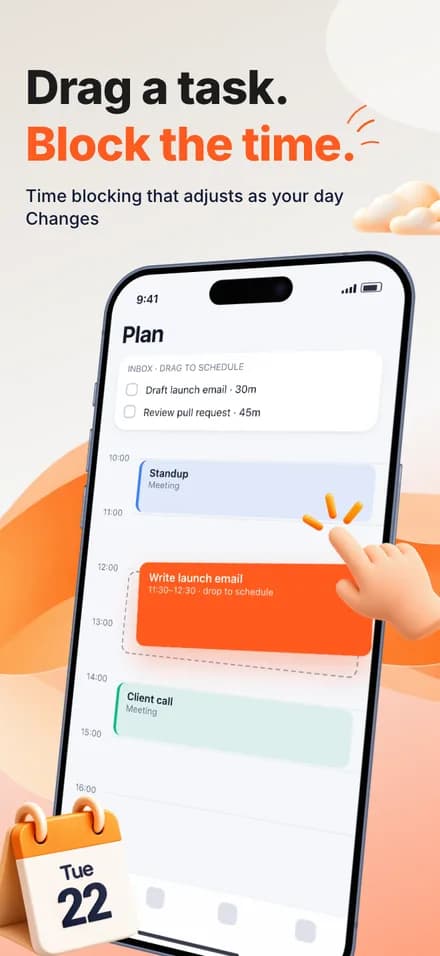
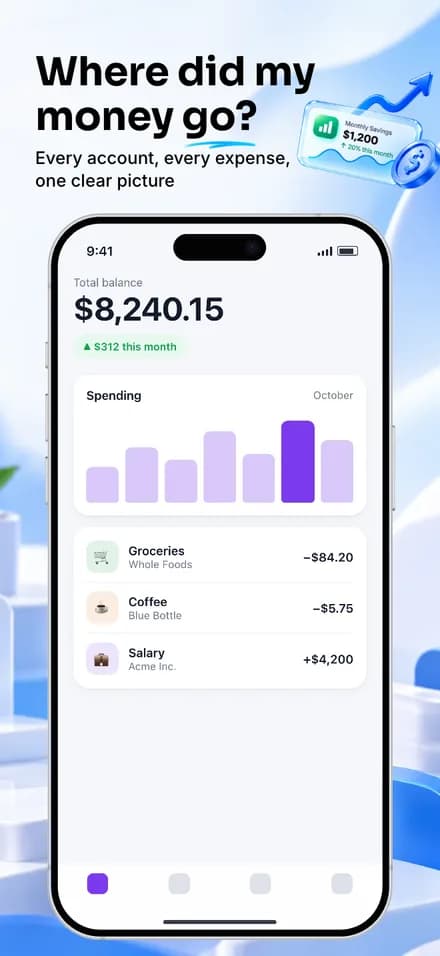
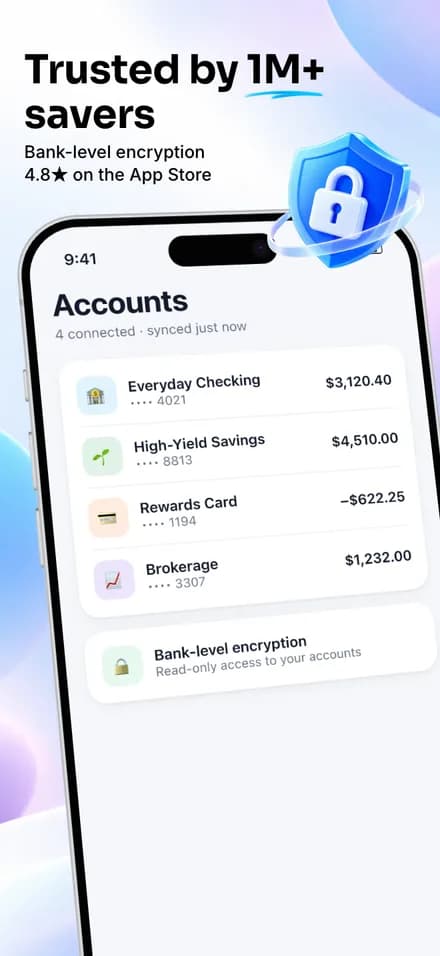
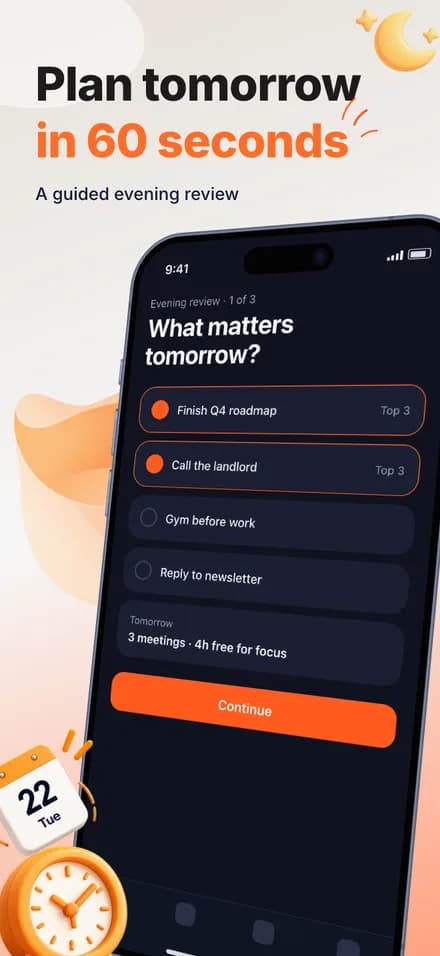
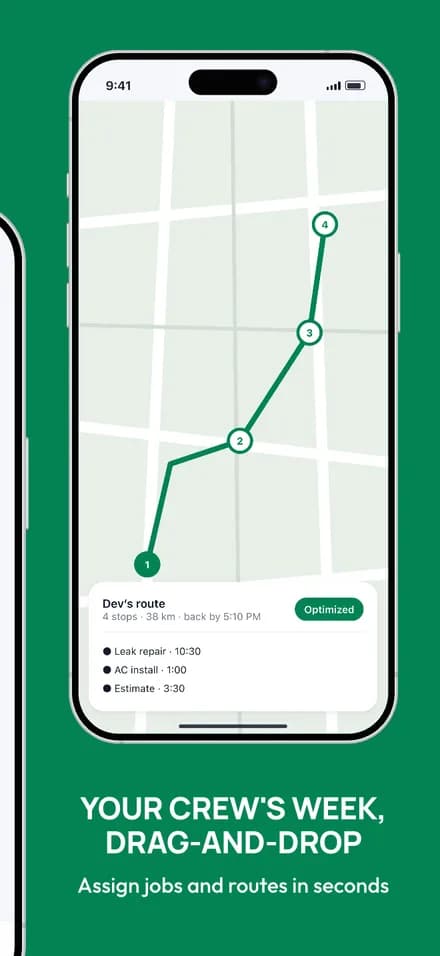
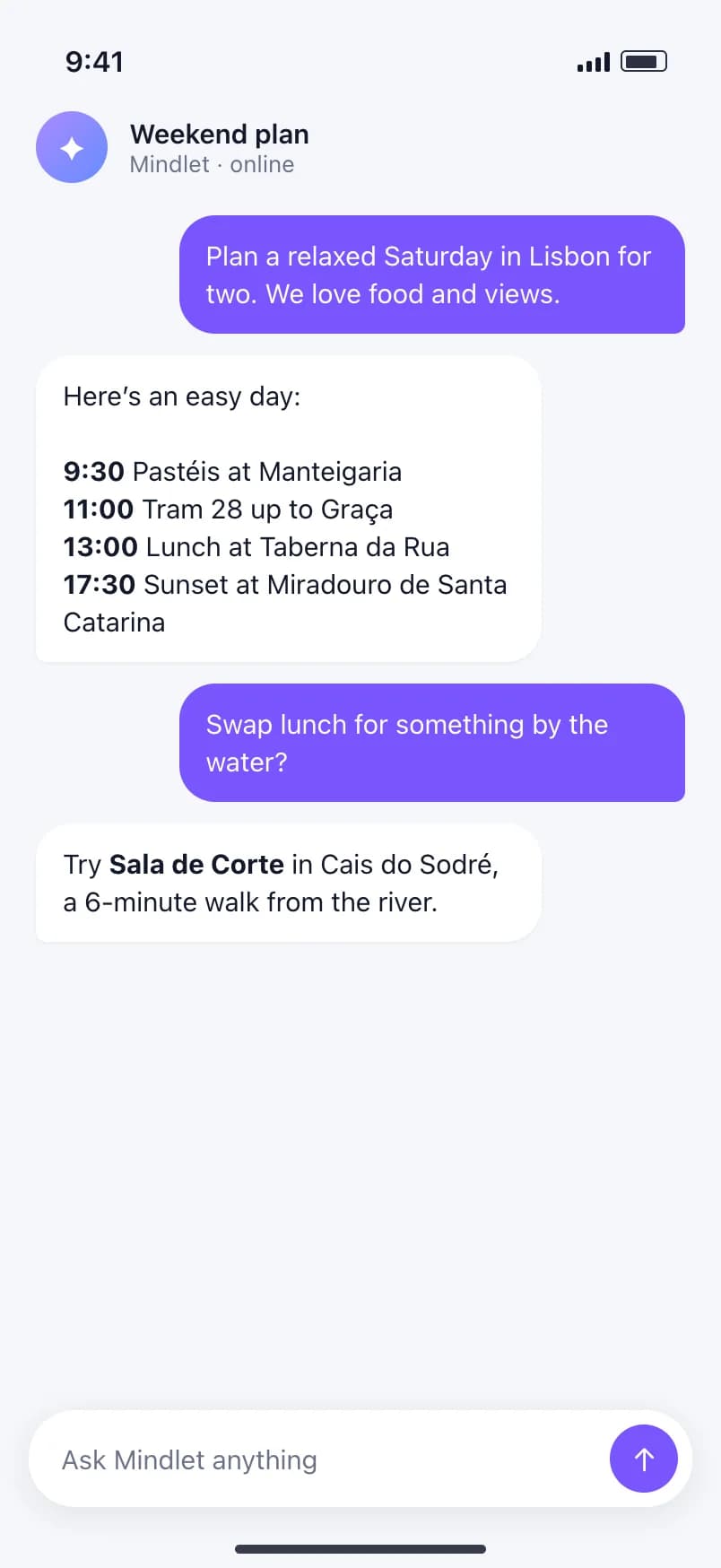
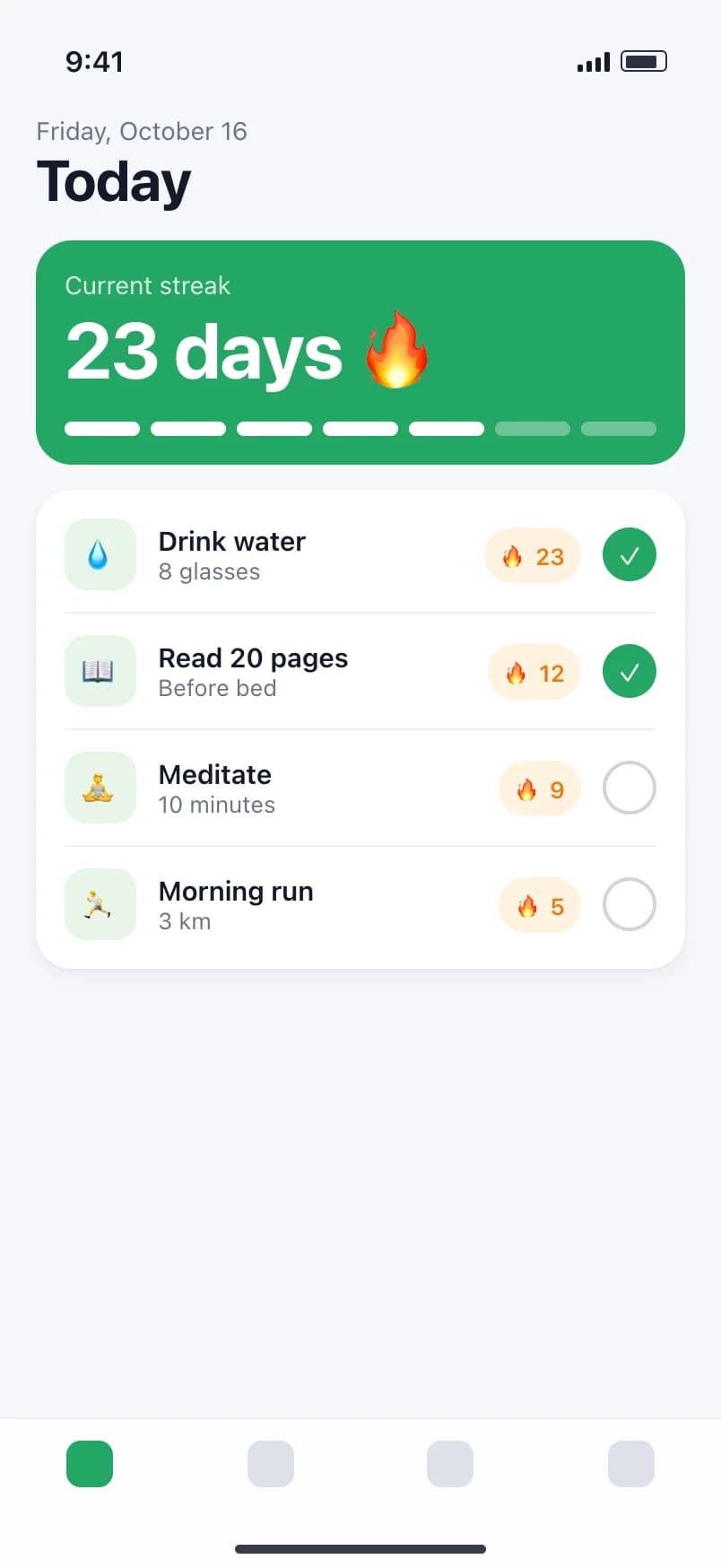
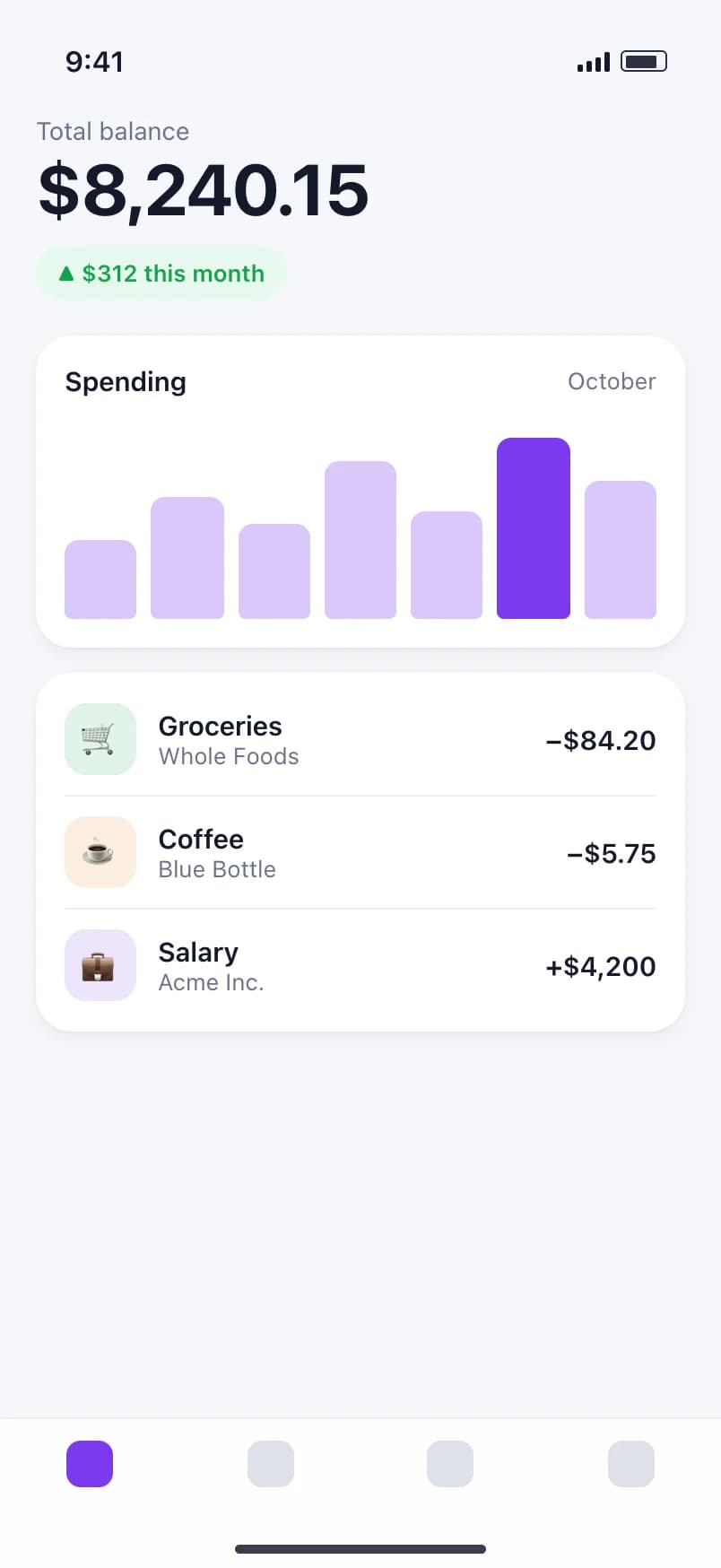
Create App Store and Google Play screenshots from your app captures. Add device frames, edit your captions, and export a matching set.

Create screenshots free No credit card. No watermarks.
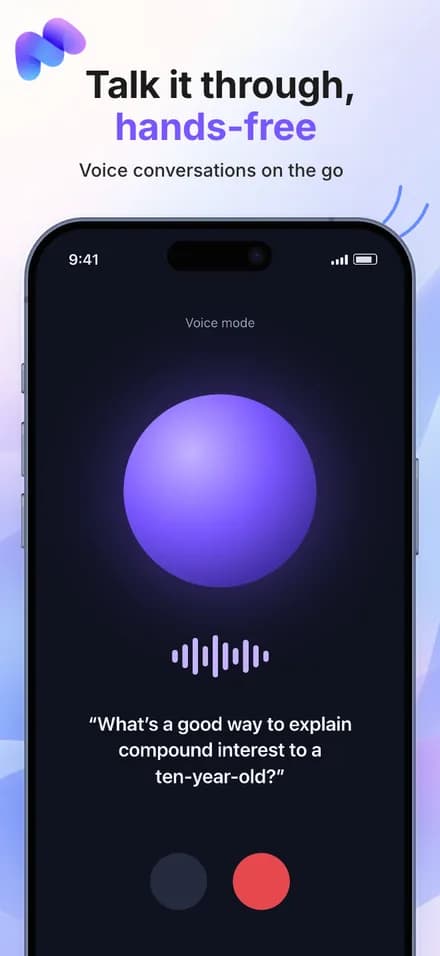
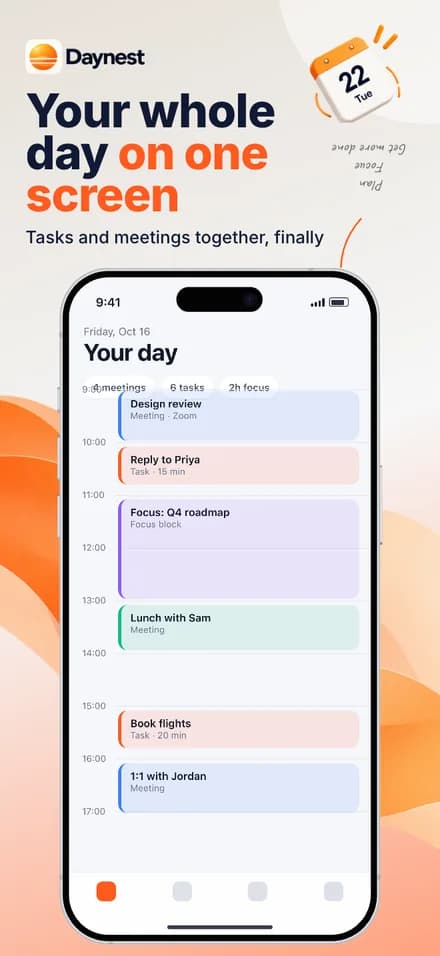
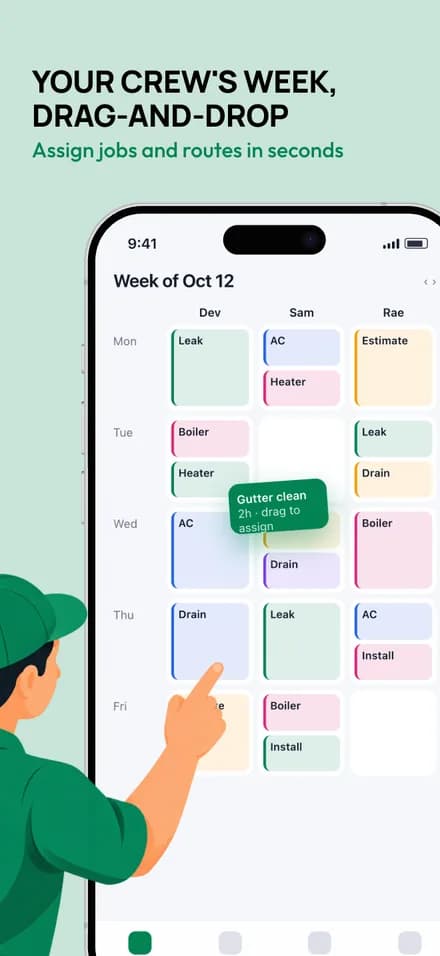
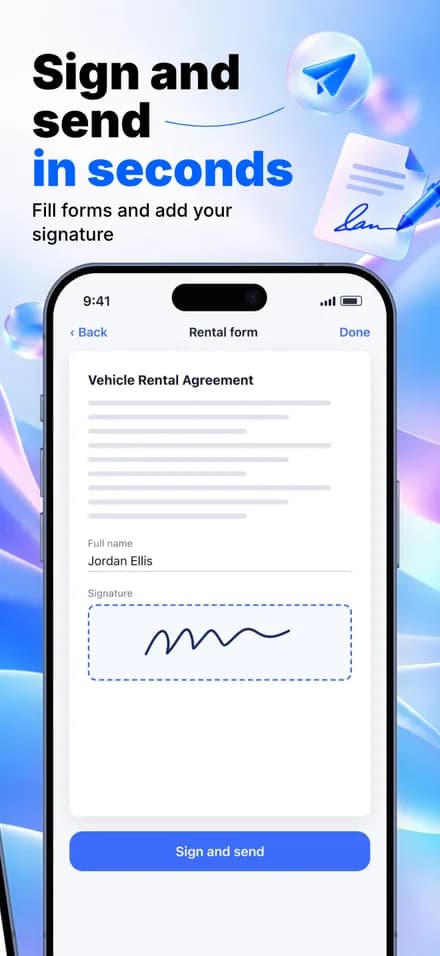
One app. A whole story.
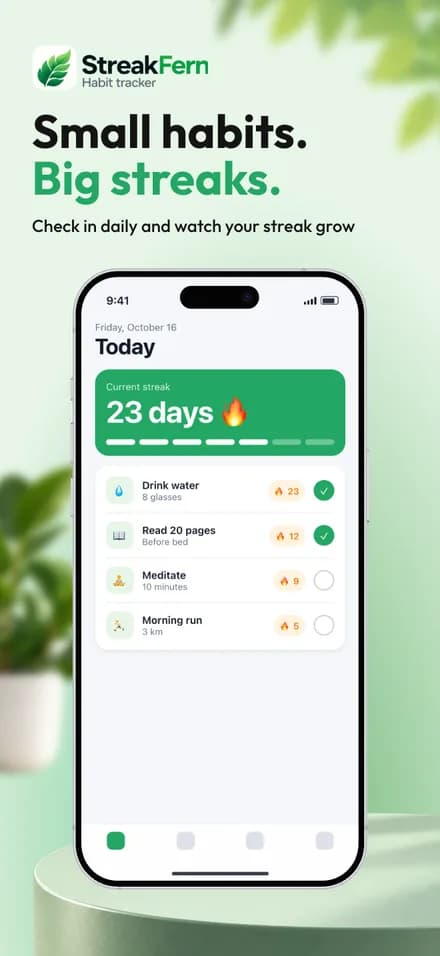
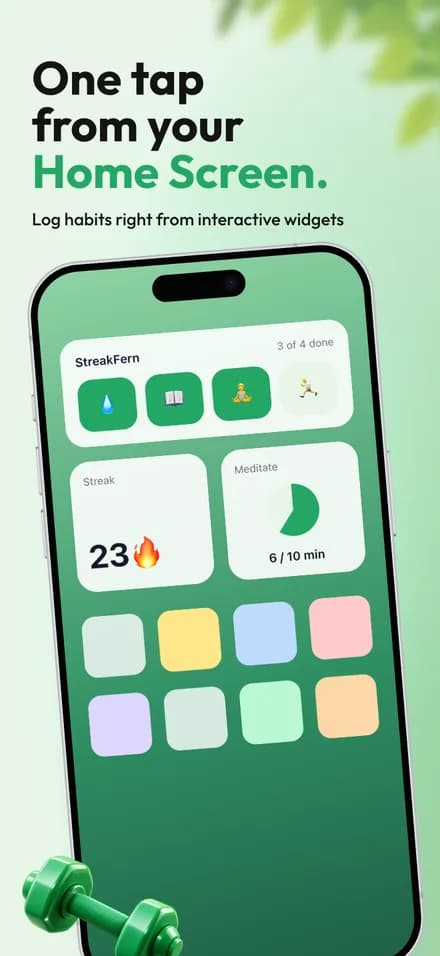
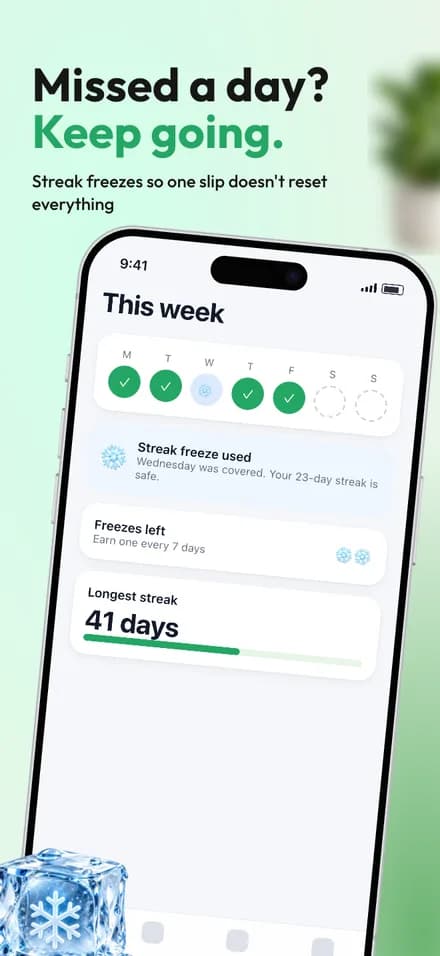
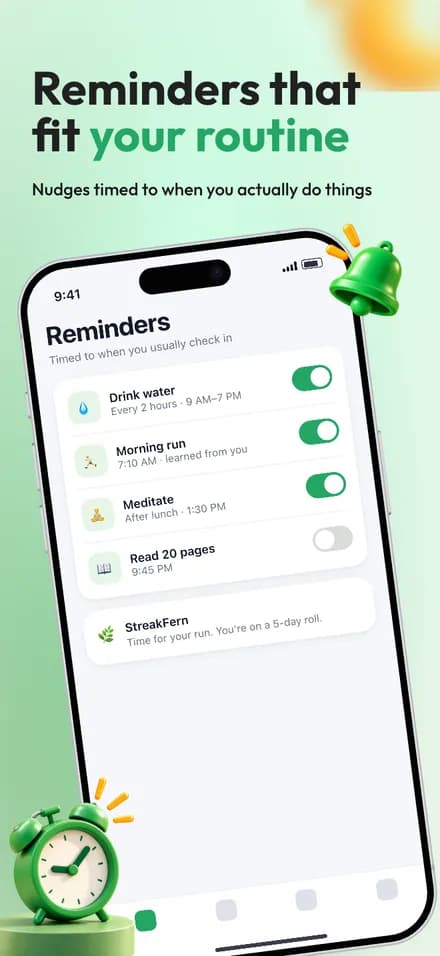
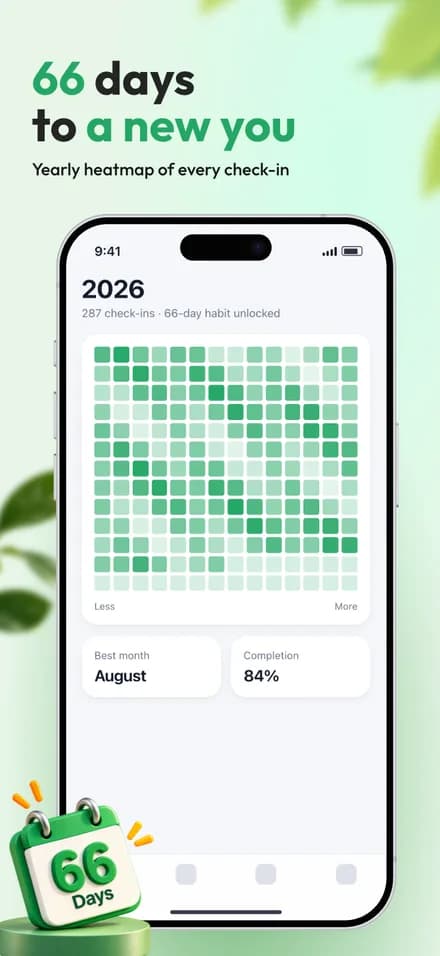
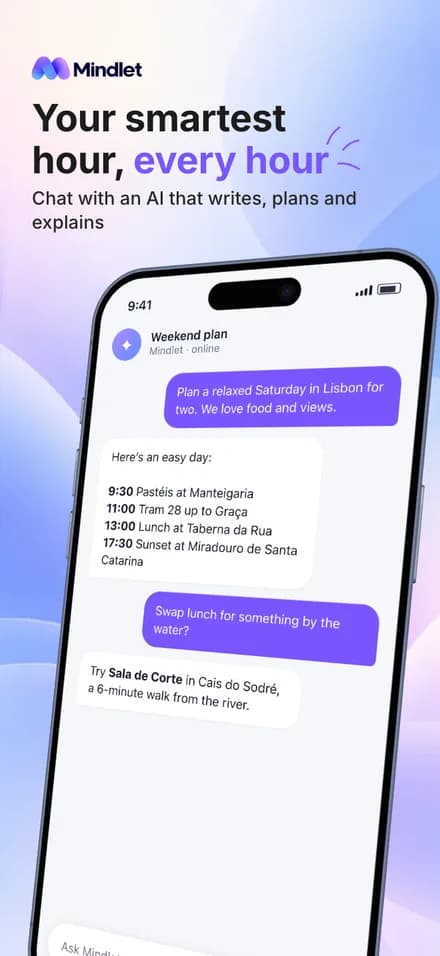
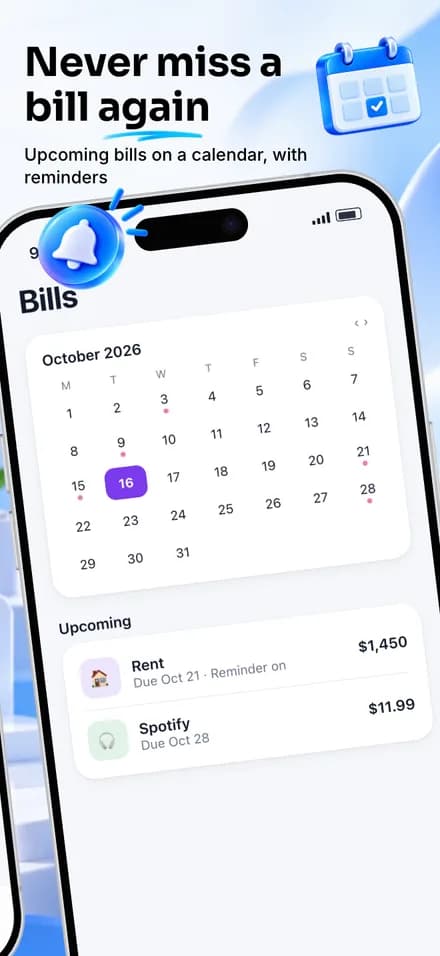
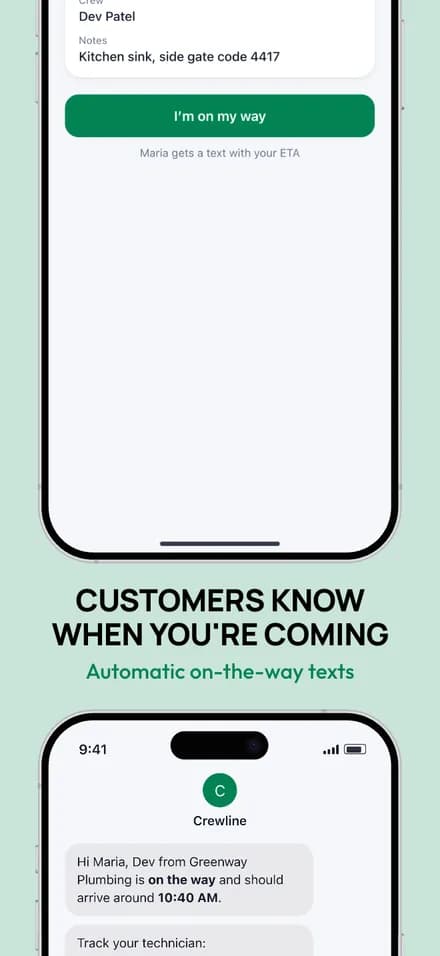
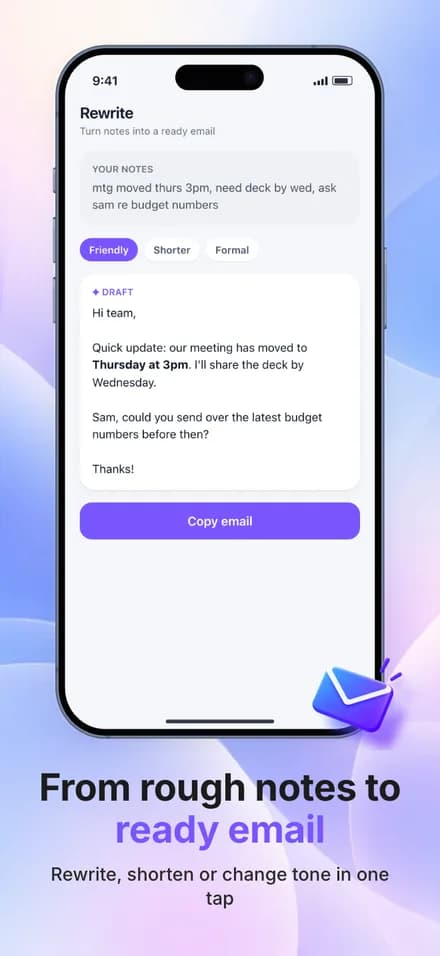
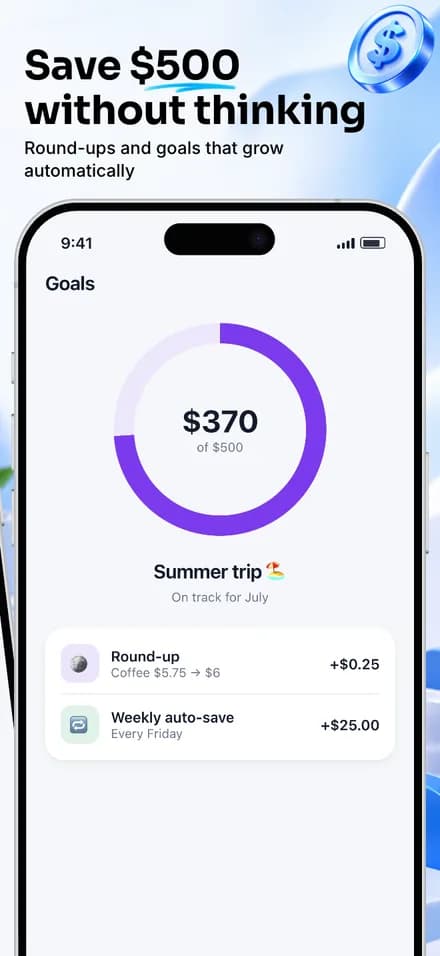
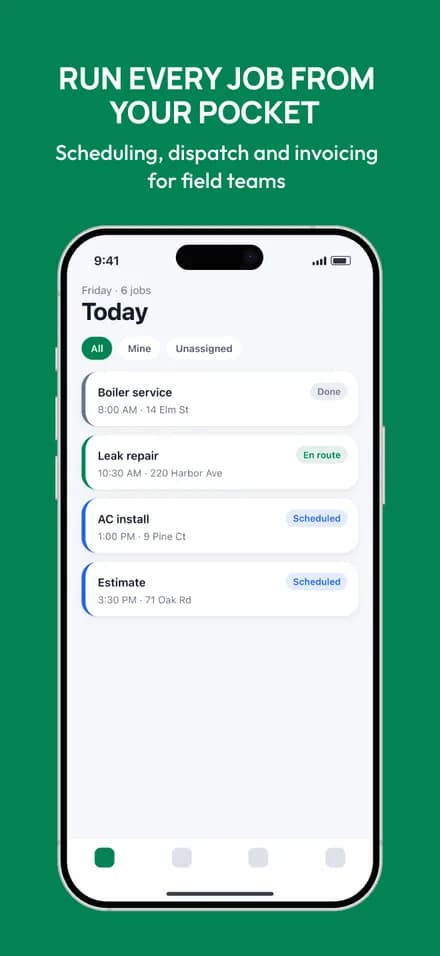
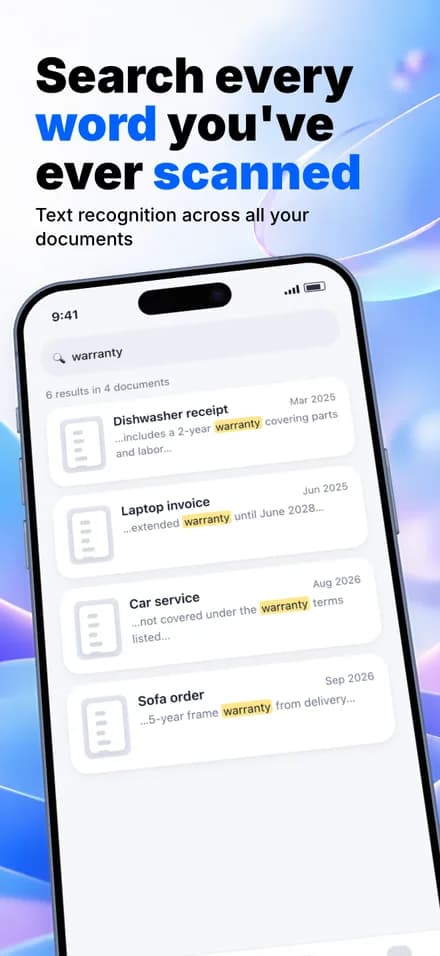
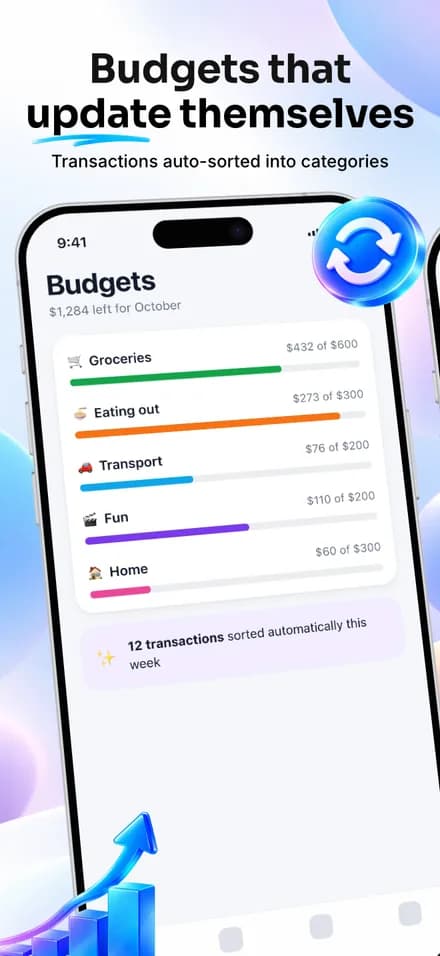
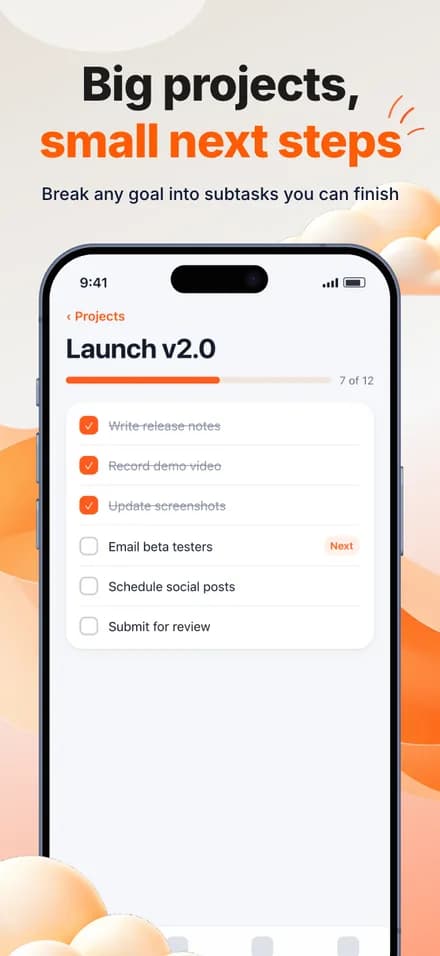
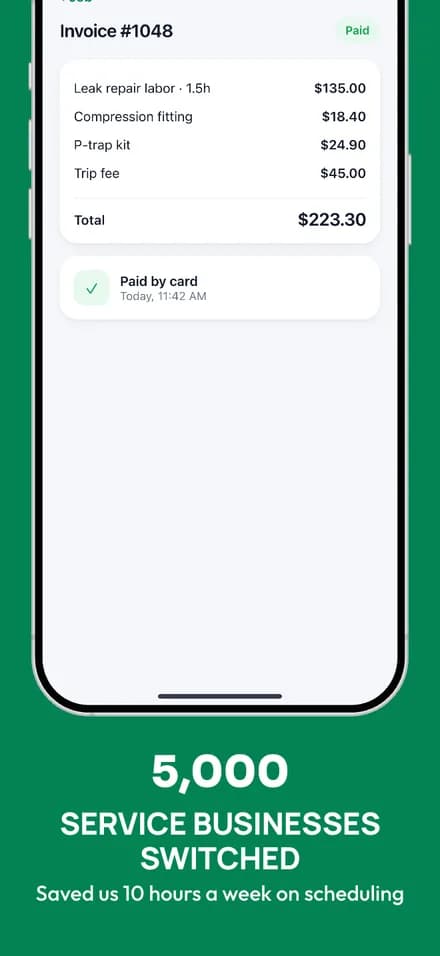
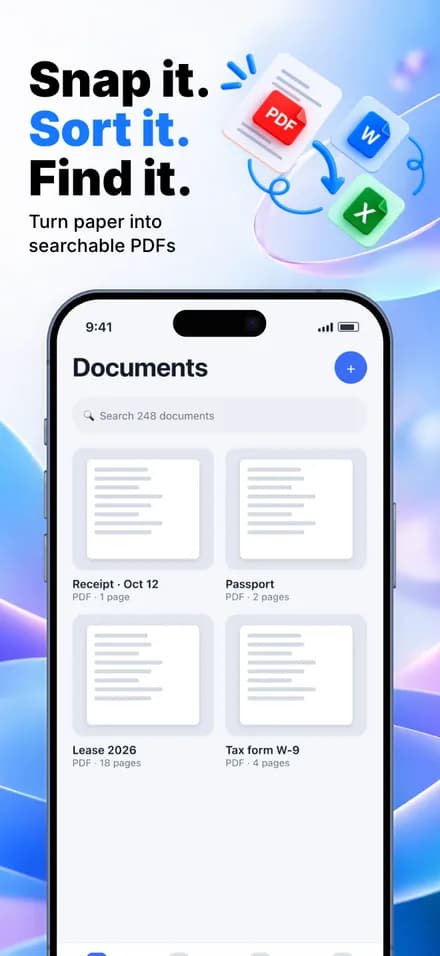
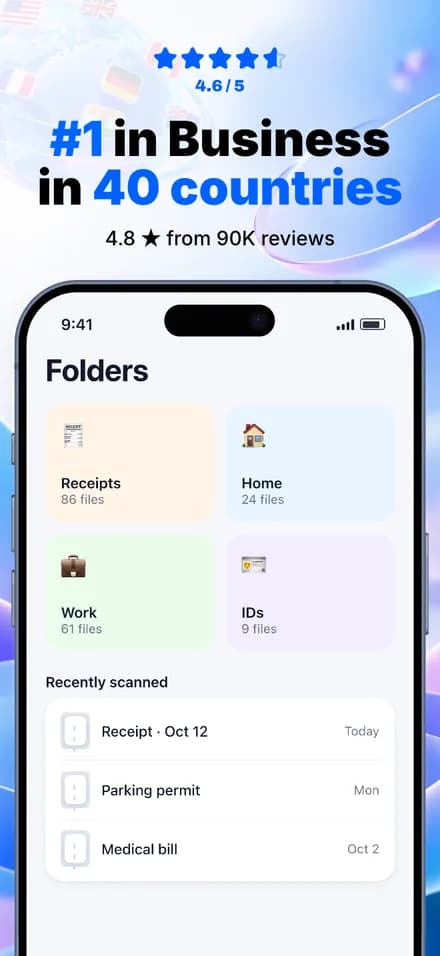
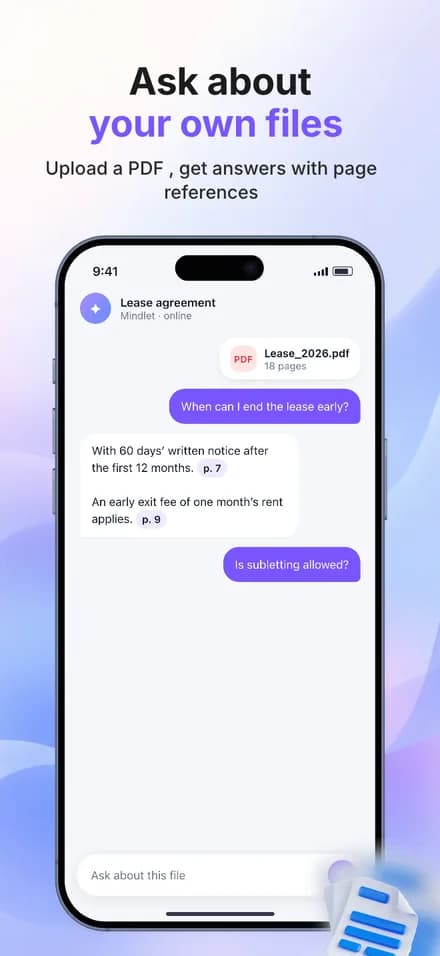
Sample design concept for Pace, a fictional running app.YOUR SCREENSHOTS. YOUR STYLE.

Full editor, free Unlimited exports iOS & Android

Take a closer look

INSIDE APPSTAGED

Your whole set. In one workspace.

See your screens side by side. Refine the headlines, adjust the backgrounds, and keep every detail in view.

The AppStaged editor, with a set in progress.View full size (opens in a new tab)

FROM SCREEN CAPTURE TO STORE LISTING

You built the app.
Let’s give it a proper introduction.

A few good screenshots can explain what makes your app worth opening. Build the whole story in one place.

01

Bring your app

Upload captures from your phone or simulator. Choose a device frame and a layout to start with.

Your actual app is the starting point.
02

Make it yours

Write a headline, set your colors, and position each device. Carry the same look across your set.

Every caption and element stays editable.
03

Get it out there

Preview your screenshots in a store listing, check each size, and download the files in a ZIP.

PNG or JPEG. Always watermark-free.
THE DETAILS MAKE IT YOURS

Less scrolling.
More exploring.

One look. Across the whole set.

CREATIVE CONTROL, INCLUDED

A matching set.
An unmistakably you look.

Change backgrounds, typography, and device placement on the canvas. Use set-wide styling to keep your screenshots together, then fine-tune each one.

  • Position, scale, and tilt your device mockups
  • Add your colors, captions, icons, and illustrations
  • Preview the set in an App Store or Play listing
See how the editor works

THE RIGHT FILES FOR YOUR LISTING

One set.
Both stores.

Create App Store screenshots for iPhone and iPad, plus Google Play screenshots for Android. Choose the sizes your app needs, review the preview, and export.

Presets help with dimensions. Always review your images and the current store requirements before submitting.

Choose your screenshot sizes
App StoreiPhone & iPad
PACEFind your pace.
PACEGo a little further.
PACEMake it a habit.
Store-specific export sizes
Google PlayAndroid
PACEFind your pace.
PACEGo a little further.
PACEMake it a habit.
Store-specific export sizes

Same visual direction. Sized for each store. Sample layouts shown.

See all export dimensions
EXPORT PRESETPIXELS
iPhone 6.9" — currentApp Store · recommended1320 × 2868
iPhone 6.9" — alternateApp Store · accepted1290 × 2796
iPhone 6.5"App Store · conditional1284 × 2778
iPad 13"App Store · recommended2064 × 2752
Play phonePlay Store · recommended1080 × 1920
Play 10" tabletPlay Store · accepted1600 × 2844

MCP INTEGRATION + BUILT-IN AI

Your AI tools.
Connected to your studio.

Connect Claude Code or Codex through MCP to create, edit, and render screenshot sets. Open the same set in the editor to make it yours.

Claude CodeCodex
  • Work from your agentDescribe the set you want. Your connected agent can build it, revise it, and render a preview.
  • Get AI help in the editorDraft headlines, explore designs, and review your set. Every element stays editable.
Connect your agent
From your AI agent to the AppStaged editor. Demo shown at 2× speed.

START WITH THE FREE STUDIO

Your launch, your pace.

The full editor and watermark-free exports are free. Pick a paid plan for batch exports, localization, publishing, and more capacity.

Studio

START HERE

$0

No credit card required

Design your first listing.

Create screenshots free
  • Full manual editor and 2 starter set styles
  • Watermark-free exports, one size at a time
  • 1 app; unlimited local work
  • 20 one-time AI credits + 5 sandbox render images

Pro

$19/mo

or $144/yr ($12/mo)

A repeatable release workflow for your apps.

Choose Pro
  • 10 apps, with their languages and variants
  • Batch export across sizes and languages
  • Premium set styles, version history, localization and publishing
  • 100 shared AI credits + 100 server-rendered images each subscription month

API & AI credits

$10 = 500 credits

one-time top-up

Extra capacity for your editor and agents.

Choose API & AI credits
  • 1 credit per server-rendered image
  • AI: refine 1 · captions 5 · audit 10 · design 20
  • Used after included credits; no expiry
  • Credits do not unlock paid features
Just here for launch week?

Unlock paid workflows for one app for seven days with the Launch Pass. $15, one-time.

Get the Launch Pass

Create an account to choose your plan. Choose a subscription or a one-time purchase.

A FEW THINGS TO KNOW

Before you
get started.

More in the docs
Is AppStaged free?

Yes. The Studio plan includes the full editor, watermark-free exports at one size at a time, and one cloud app. Paid plans add batch exports, localization, publishing and more capacity. You can start without a credit card.

Can I make screenshots for both the App Store and Google Play?

Yes. Use iPhone, iPad, and Android device mockups, then choose an export preset for your store. Preview each target size before downloading your files.

Do I need to use AI?

No. Upload your app screenshots and edit captions, colors, backgrounds, and device placement yourself. AI can help draft captions, suggest a design, or review your set when you want a second pass.

What do I need to get started?

Bring plain screenshots captured from your app on a device or simulator. Create a set, upload your captures, and add a short headline for each feature. You do not need to add a device frame beforehand.

What file formats can I export?

Download your screenshot set as PNG or JPEG files in a ZIP, using the store-size presets. Exports are watermark-free, including on the free plan.

Can I create screenshots with an AI agent?

Yes. AppStaged has an MCP interface and API keys for agents to create, edit, audit, and render screenshot sets. API render and AI allowances depend on your plan; see the agent guide for setup.

READY WHEN YOUR APP IS.

Make the first impression
as good as the app.

Create your first screenshot set

Free to start. Yours to make.